

AI · This article was created with the help of AI.
Most WhatsApp takeovers need no malware. The attacker gets the victim to hand over a verification code, or to approve a new device under "Linked devices", and then uses WhatsApp's own features. Whether you lost access or still have it decides the first step.
Quick recovery checklist
- Lost access? Re-register WhatsApp on your phone with your number and the six-digit code. This logs all other devices out.
- Still have access? Open Settings → Linked devices and log out any device you do not recognise.
- Secure the account: turn on two-step verification (a PIN or password, depending on your account) and consider a passkey.
- Warn contacts: use a phone call, SMS or another messenger until you are sure the attacker is gone, then file a police report.
How do you know your WhatsApp was hacked?
German police have warned about a recurring lure: a message from a known contact asks for a quick vote, for example in a dance competition or a scholarship draw. The link leads to a polished page that asks for the phone number and then a code or a QR scan. According to ProPK, the police crime prevention service, this is enough for attackers to register the account, or link it, to a device they control. Nothing in WhatsApp is broken.
There are two takeover patterns:
| Full takeover via code or PIN | Silent linking via QR or pairing code | |
|---|---|---|
| How it happens | The victim shares the six-digit verification code, or the two-step PIN or password, for example with a fake vote page or "support" chat | The victim scans a QR code or enters a pairing code under "Linked devices" on a page posing as a vote |
| Victim keeps access | No, the account is registered on the attacker's phone | Yes, the account keeps working normally |
| What the attacker gets | New messages, contacts and groups, and the ability to write in the victim's name | The same, plus recent chat history synchronised to the linked device, while the victim notices nothing |
Germany's BfV and BSI described both patterns in a joint security notice on 6 February 2026. That campaign targeted Signal users, and the agencies called comparable attacks on WhatsApp conceivable; the fake-vote campaigns now apply the same methods to WhatsApp.
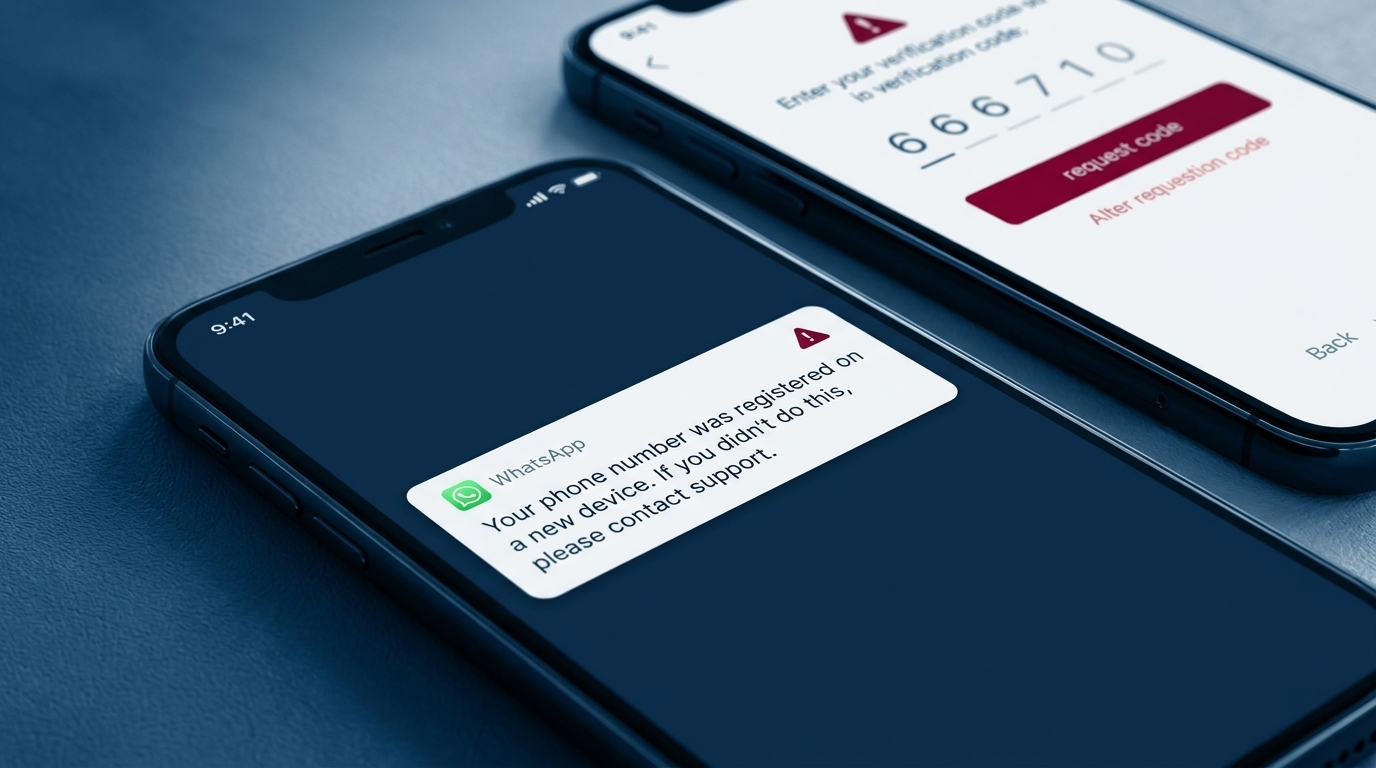
Typical signs are reports from contacts about messages you never wrote (often requests for money), a notice that your number was registered on a new device, a sudden logout, or messages in your chats that you did not send.
How do you recover a hacked WhatsApp account?
If you lost access, open WhatsApp on your phone, enter your number and confirm the six-digit code sent by SMS or call. According to WhatsApp's guidance on stolen accounts, entering the code logs out every other device using the account, including the attacker's.
If WhatsApp then asks for a two-step verification PIN or password you never set, the attacker probably activated it. You will usually have to wait seven days before you can sign in without it. The attacker remains logged out during that time.
If you still have access, you may be dealing with silent linking instead. Check the linked devices as described below.
Then secure the account. Turn on two-step verification as soon as WhatsApp lets you. In August 2026 Meta upgraded it from a six-digit PIN to a full password, so depending on your account you will set a PIN or a password. A passkey adds sign-in by fingerprint, face or screen lock. Use only WhatsApp's own recovery steps, not third-party "recovery" services.
How do you check and remove WhatsApp linked devices?
"Linked devices" lets one account run on up to four additional devices, such as a laptop or tablet. Attackers abuse exactly this feature. The fact-checking site Mimikama analysed one of the vote pages and found that its final step authorised such a link.
- Open WhatsApp settings: the three-dot menu on Android, or Settings on iPhone.
- Tap Linked devices. Every entry should be a device you recognise.
- Tap any unknown entry and log it out.
- Go through your chats for messages you did not write. That shows whether the attacker was writing in your name or only reading.
Check the list after a recovery as well. It confirms the account is clean and catches devices you linked yourself and no longer use.
How do you warn contacts after a WhatsApp hack?
While the account may still be compromised, the attacker can read what you send from it. Warn people by phone, SMS or another messenger instead. ProPK suggests a short text: "My WhatsApp account was taken over. Please ignore messages from me for now." Once you have recovered and secured the account, a follow-up in WhatsApp groups is fine.
- Warn individual contacts and every group the account is in.
- Ask them not to send money or codes, and to verify any unusual request by calling you.
- File a police report, as ProPK recommends.
The money requests are where losses occur. A typical pattern, described by Mimikama, is a message from a hijacked account saying the sender is at the dentist with a card that does not work, followed by a request for an urgent transfer. At work the same rule applies: messages from a genuine but hijacked account pass every sender check, so verification has to happen through a second channel.
When does a WhatsApp hack become a security incident at work?
A private takeover becomes a company matter once work information was in reach. A practical sequence for the employee and the security team:
- Identify work content. List work chats and groups on the account, such as project, customer or shift coordination.
- Check who was targeted. Find out whether colleagues, customers or partners received messages, money requests or code requests in the employee's name.
- Assess what was accessible. Note any business information in the chats, files or synchronised history.
- Report through a trusted channel. Use the internal reporting button, email or a phone call to the security team, not the compromised account.
- Warn affected people. Alert the colleagues and partners identified in step 2, through a channel outside the account.
How can teams rehearse a WhatsApp takeover safely?
Most of these incidents turn on two moments. An employee receives an unexpected request from a familiar contact to share a code, scan a QR code or confirm a device link. Or a colleague notices odd messages and needs to warn others outside WhatsApp. Written guidelines explain what to do, but employees recognise these requests more reliably when they have seen realistic examples before, which is why reading about an attack is not the same as practising it.
A useful rehearsal covers the whole sequence: a trusted-looking request, recognising and refusing it, reporting it, and warning colleagues through a second channel. Counting reports as well as clicks shows whether that habit is forming.
How revel8 helps
revel8 runs multi-channel phishing simulations across the channels attackers use, including email, SMS, voice calls, WhatsApp and deepfake video. Employees can practise the requests from this article: an unexpected verification-code request, a fake vote from a known contact, a device-linking prompt or an impersonation attempt. Scenarios are personalised with OSINT and threat intelligence, and each simulation is paired with a short microlearning lesson on the signals the employee missed.